a plain-English guide
Free icons with no attribution: which sets need no credit?
Some free icons ask for a credit line, some ask for nothing at all. Here is what attribution really means, which popular sets need it, and what to do if you already used icons that do.
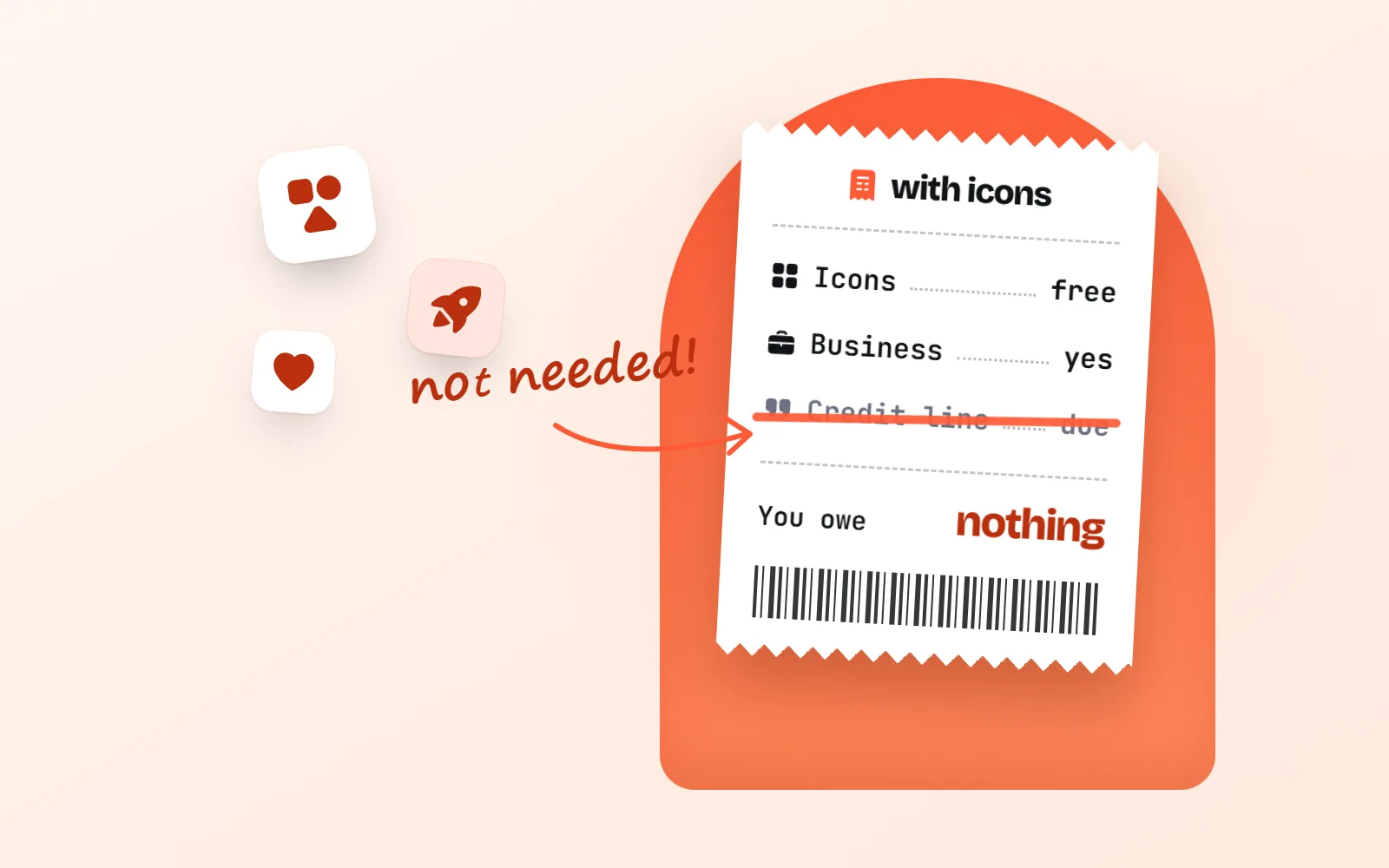
- No credit needed: icons under MIT, ISC, Apache 2.0 or CC0. That covers Lucide, Heroicons, Tabler, Phosphor, Bootstrap Icons, Material Symbols and with icons.
- Credit needed: CC BY icons, and the free plans of Flaticon, Freepik (now Magnific), Icons8 (a link), The Noun Project and Streamline.
- In between: Font Awesome Free is CC BY 4.0, but the credit inside its files counts. On SVG Repo and Iconify it depends on each icon or set.
- Already used credit-required icons? Add the credit, buy the plan that removes it, or swap them for a no-credit set.
- with icons is MIT: 1000 icons in 34 styles (34,000 SVGs), free for commercial use, no attribution.
On this page 9 sections
Free icons with no attribution are easy to find once you know the licence names. Icons under MIT, ISC, Apache 2.0 or CC0 need no credit line: that includes Lucide, Heroicons, Tabler, Phosphor, Bootstrap Icons, Material Symbols and with icons. Icons under CC BY, and the free plans of marketplaces like Flaticon, Icons8 and The Noun Project, do need one.
This guide explains what attribution actually means, gives you one table of popular sets and whether each needs a credit, and shows the three ways out if you already used icons that do.
What does attribution mean for icons?
Attribution simply means saying who made it, like the photographer’s name under a newspaper photo. When a licence asks for attribution, you add a short credit line wherever the icon appears, or in a credits section nearby.
A typical credit names the icon or its author, where it came from, and sometimes the licence, with a link if you are on the web. Flaticon’s help centre gives this format:
Icon made by [author] from www.flaticon.com
Flaticon help centre, attribution format
Where the line goes depends on what you are making:
- Website: on the page that shows the icon, next to it or in the footer.
- Slides: on the slide, or on a credits slide at the end.
- App: the About or Credits screen, and often the app store description.
- Print: the acknowledgements or small print.
“No attribution” means you can skip all of that. You use the icon and move on.
Which licences need attribution, and which do not?
| Licence | Visible credit? | What it does ask | Commercial use? |
|---|---|---|---|
| MIT | No | Keep the licence text with copies of the files or code | Yes |
| ISC | No | Same as MIT, in fewer words | Yes |
| Apache 2.0 | No | Keep the licence and any NOTICE file when you share the files | Yes |
| CC0 | No | Nothing at all | Yes |
| CC BY 3.0 / 4.0 | Yes | Credit the creator, link the licence, say if you changed it | Yes |
| CC BY-NC | Yes | Credit, and no commercial use at all | No |
| Marketplace free plans | Yes | A credit or link, set by the company | Yes, with limits |
The key detail is the difference between showing an icon and sharing the files. MIT, ISC and Apache 2.0 only care about the second: if you pass the icon files or code on, keep the little licence file with them. A website, an app screen, a slide or a poster needs no visible credit. Our guide Can I use free icons commercially? explains each licence in more depth.
Which popular icon sets need no credit?
| Icon set | Licence (free use) | Credit needed? | Good to know |
|---|---|---|---|
| with icons | MIT | No | 1000 icons in 34 styles, PNG and SVG |
| Lucide | ISC (MIT for Feather icons) | No | The default set in shadcn/ui |
| Heroicons | MIT | No | By the makers of Tailwind CSS |
| Tabler Icons | MIT | No | Over 6,200 icons, outline and filled |
| Phosphor | MIT | No | Six weights of each icon |
| Bootstrap Icons | MIT | No | Over 2,000 icons |
| Material Symbols | Apache 2.0 | No | Google says a credit is welcome, not required |
| Font Awesome Free | CC BY 4.0 | Already in the files | Keep the comments inside the files |
| SVG Repo | Per icon | Depends on the icon | Default licence needs none; some icons are CC BY or NC |
| Iconify | Per icon set | Depends on the set | Each set shows its licence |
| Flaticon (free) | Flaticon licence | Yes, author + Flaticon | Premium removes it |
| Freepik, now Magnific (free) | Free licence | Yes, credit + link | Premium, Plus or Pro removes it |
| Icons8 (free) | Icons8 licence | Yes, a link to icons8.com | Paid plan removes it |
| The Noun Project (free) | CC BY 3.0 | Yes, the creator | Noun Pro removes it |
| Streamline (free) | Streamline Free License | Yes, credit + link | Pro removes it |
Can I use Flaticon without attribution?
Only with Flaticon Premium. Flaticon’s pricing page puts it plainly: free members must link to Flaticon and credit the author, while Premium members can use icons without crediting anyone. Two details help if you stay on the free plan:
- One line per author, not per icon. Flaticon’s help centre says you include a line for each author you used. Ten icons from one artist means one credit.
- Some packs are not covered. The same page notes that a few packs made by third parties, such as those by Google, are not under Flaticon’s licence, so check the pack’s own terms.
If you would rather never think about credits, a no-credit set is simpler. Our Flaticon alternative page helps you find each Flaticon icon’s twin by meaning, and with icons vs Flaticon compares the two honestly, including where Flaticon wins (it has millions of icons, we have 1000).

What should I do if I already used icons that need a credit?
No panic needed. You have three good options, and you can mix them:
- 1Add the credit
Use the exact wording the source asks for. Put it next to the icon, in the footer, on a credits slide or in the app’s About screen. Flaticon and Freepik show the text on the download screen; Icons8 just wants a link to icons8.com.
- 2Buy the plan that removes it
Flaticon Premium, Noun Pro (from $3.33 a month billed yearly) or the Icons8 Icons plan ($15 a month as listed). Check what happens after you cancel: Icons8 says assets downloaded while subscribed stay usable with no attribution.
- 3Swap to a no-credit set
Replace the icons with ones under MIT, ISC, Apache 2.0 or CC0. Search with icons in everyday words like “money”, “team” or “bin” to find each twin.
Swapping is often less work than it sounds, because most decks and sites use the same handful of everyday ideas. Here is a typical set, all MIT, in one matching style:
And because every with icons drawing comes in 34 styles, you can keep the playful look of a marketplace icon too, from Sticker style to kawaii, pixel and hand-drawn sketch:
Is “no attribution” the same as “no rules”?
Not quite. Even the most relaxed licences keep a few small conditions, and none of them hand you trademark rights.
- Keep the licence file when you share the files. If you publish the icon files or code (a repository, an npm package, a template you sell), include the MIT, ISC or Apache licence text.
- Logos are trademarks. A brand logo in an icon set still belongs to the brand. Use it only to refer to that company.
- Check special uses. Some licences limit logos, resale on merchandise or rebuilding the set as your own library. Flaticon, Freepik and Remix Icon all have rules like this.
with icons is MIT and has no brand logos. You can use every icon in personal and commercial work with no credit, and our license page has the full text.
How do you find icons with no attribution quickly?
- 1Start from a single-licence set
Lucide, Tabler, Phosphor, Material Symbols or with icons. One licence, no surprises.
- 2On aggregators, read the icon’s own licence
SVG Repo and Iconify show the licence per icon or per set. Skip anything marked CC BY (unless you will credit) or NC.
- 3On marketplaces, look for the plan line
Free usually means a credit. If the page says “no attribution required”, that is a paid plan.
Pick one no-credit set for your whole project and note its licence in a small text file. If a source needs a credit, add it on day one.
Mix free marketplace icons into a client project and hope nobody asks. Missing credits are hardest to fix after launch.
The short answer
If you want free icons with no attribution, choose sets under MIT, ISC, Apache 2.0 or CC0. If you already used credit-required icons, add the credit, pay to remove it, or swap. And if you want one matching set for slides, docs and code that never needs a credit line, browse all 1000 with icons. For the broader picture, see the best free icon libraries.
Frequently asked questions
Which free icons need no attribution?
Icons under MIT, ISC, Apache 2.0 and CC0 need no visible credit. Popular examples are Lucide (ISC), Heroicons, Tabler Icons, Phosphor, Bootstrap Icons and with icons (all MIT), and Material Symbols (Apache 2.0, where Google says a credit is welcome but not required).
Can I use Flaticon icons without attribution?
Only with Flaticon Premium. Free users must credit the author and link to Flaticon. Flaticon’s help centre says you need one line per author, not one per icon. If you do not want to credit or pay, use a no-credit set instead.
Do I need to credit MIT-licensed icons on my website?
No. MIT asks you to keep its copyright and licence notice with copies of the files or code, for example in a repository or a template you share. Showing an icon on a website, in an app, on a slide or in print needs no visible credit.
Do I need to credit Icons8 icons?
On the free plan, yes: Icons8 asks for a link to icons8.com wherever you use its icons, such as the site footer, an app’s About screen or a slide. A paid plan removes the link, and Icons8 says icons downloaded while subscribed can be used without attribution after you cancel.
What happens if I forget to add a required credit?
You are using the icon outside its licence. The fix is simple: add the credit now, buy the plan that removes it, or replace the icons with ones that need no credit. It is far easier to sort this out early than after a launch.
Is this legal advice?
No. It is a friendly summary by an icon library, checked against each licence and help page in November 2026. For anything high-stakes, read the licence itself or ask a lawyer.
Sources and notes
- The MIT License (Open Source Initiative)
- The ISC License (Open Source Initiative)
- Apache License, Version 2.0
- Creative Commons: CC0 1.0 deed
- Creative Commons: CC BY 4.0 deed
- Creative Commons: CC BY 3.0 deed
- Lucide licence (ISC)
- Heroicons (GitHub, MIT)
- Tabler Icons README (GitHub, MIT)
- Phosphor homepage README (GitHub, MIT)
- Bootstrap Icons website
- google/material-design-icons README (attribution not required)
- Font Awesome Free licence (GitHub)
- SVG Repo licensing
- Iconify icon sets browser (licence per set)
- Flaticon pricing (Free vs Premium attribution)
- Flaticon help: Attribution, how, when and where?
- Magnific (formerly Freepik) docs: licenses and attribution
- Icons8 licence: how to use our graphics for free
- Icons8 pricing (subscriptions, use after cancelling)
- Icons8 icons pricing (Icons plan)
- The Noun Project legal (CC BY 3.0, royalty-free licence)
- The Noun Project pricing (Noun Pro)
- Streamline Free License (help centre)
- with icons license (MIT)
Facts about other icon sets were checked against their official sites in November 2026. Libraries change, so check the links above for the latest numbers.