the with icons journal
Icons, explained like a friend would.
Plain-English guides for anyone making slides, websites or apps, plus honest side-by-side comparisons of the most popular icon sets. Written by the Evergrow team. No jargon unless we explain it.
The best free icon libraries in 2026
A fair, plain-English look at 10 free icon libraries in 2026: Font Awesome, Material Symbols, Lucide, Tabler, with icons and more, plus how to choose.

What is an icon library?
An icon library is a set of matching icons with names, file formats and a licence. Learn what is inside one, free vs paid options and how to choose and use one.
How to change icon colour
Change an icon’s colour in PowerPoint, Keynote, Google Slides, Canva, Figma or CSS. Why SVG recolours and PNG does not, plus brand colours and contrast.

3D icons vs flat icons
Flat or 3D icons? Use flat icons for buttons and menus, 3D icons for heroes, slides and marketing at 32px+. A decision table, file sizes and history.

Icon design glossary
Plain-English definitions of 44 icon design terms: glyph, pictogram, SVG, viewBox, stroke, keyline, duotone, touch target, aria-label, MIT and CC BY.
Cute and playful icon styles
Kawaii, sticker, pixel, retro, pastel and more: what each cute icon style looks like, where it works (kids, games, social, slides) and where to avoid it.
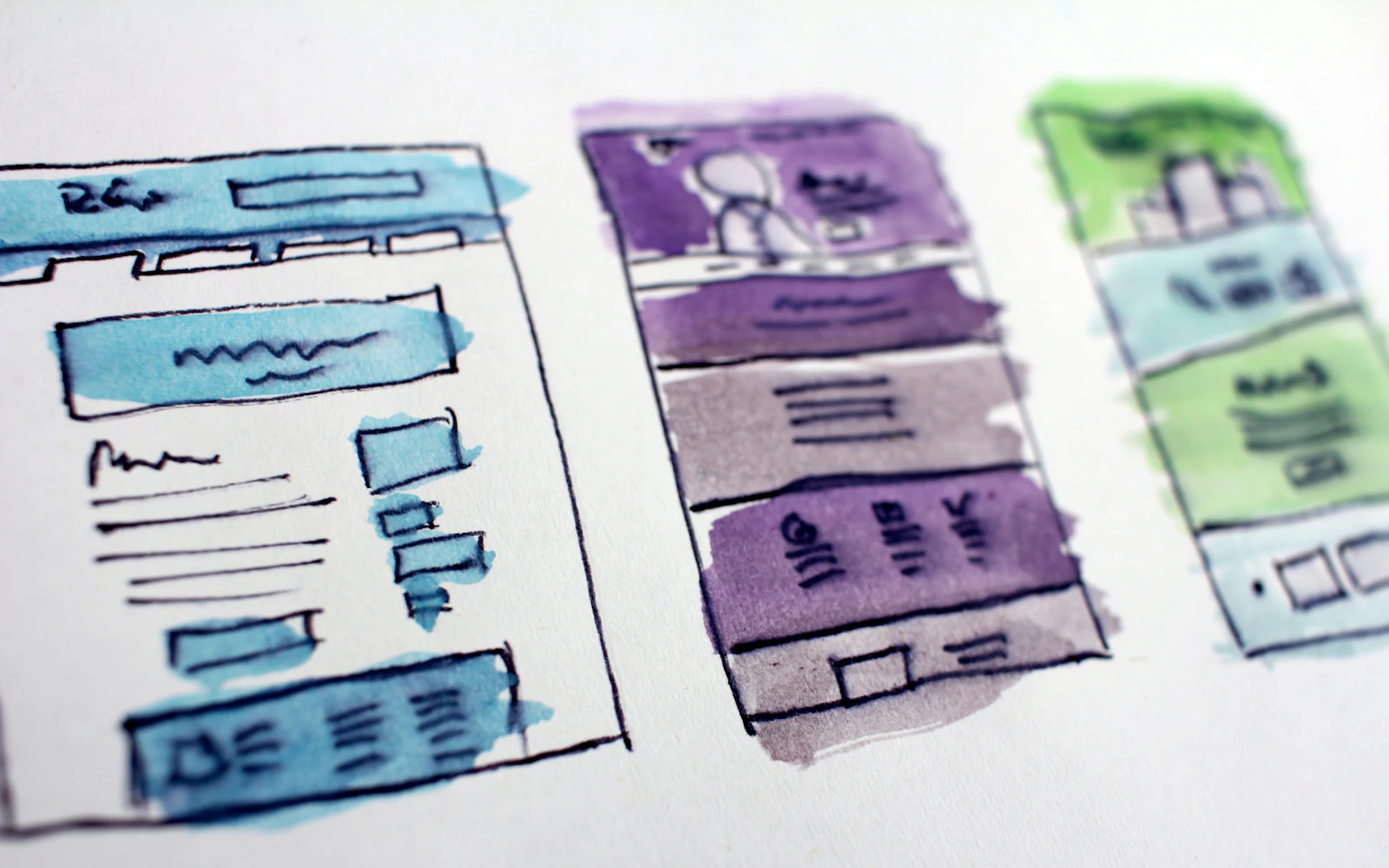
How many icons does a website need?
How many icons a website needs, with rule-of-thumb ranges for business sites, blogs, shops, SaaS apps and dashboards, the core 30 icons, and when to add text labels.

Icons in dark mode
How icons behave in dark mode: why they look bolder, how currentColor makes them follow the theme, contrast checks, which styles hold up and why PNGs vanish.

Animated icons: help or hurt?
When animated icons help and when they hurt: SVG, Lottie and GIF in plain words, WCAG motion rules, reduced motion, speed tips, and moving icons in slides and email.

App icon vs UI icon
An app icon represents a whole app on a home screen or store; UI icons are the small symbols inside it. Sizes, shapes, formats, favicons and common mistakes.
Icons on a resume
Icons can make a resume easier to scan, but ATS software may skip them. How to add icons safely in Word, Google Docs and Canva, at the right size for print.

with icons vs Font Awesome
with icons vs Font Awesome in plain English: the real icons side by side, price, licence, free styles, pros and cons, and which set fits your site or slides.

with icons vs Hugeicons
with icons vs Hugeicons in plain English: the real icons side by side, free icon counts, Pro prices, MIT licences, pros and cons, and which set fits you.

Icons in PowerPoint, Slides and Keynote
Add icons to PowerPoint, Google Slides and Keynote the right way: SVG or PNG, recolouring, sizing, alignment and simple layouts that make slides look professional.
Icon styles explained
A picture-first guide to icon styles: line, solid and duotone for interfaces, plus 17 creative styles from glass and pixel to kawaii. What each is for.

with icons vs Lucide
with icons vs Lucide with the real icons side by side: 2px vs 1.75px lines, one style vs 20, ISC vs MIT, shadcn/ui, honest pros and cons, and when to switch.

Free icons and commercial use
Can you use free icons in commercial work? MIT, ISC, Apache 2.0, CC BY, CC0, SIL OFL, Flaticon and Icons8 licenses explained in plain English, with a decision table.

Great icons from AI assistants
Why ChatGPT, Claude and Gemini invent icon names, and how to fix it with MCP, llms.txt and Ask AI buttons. Copy-paste prompts for slides, websites and code.
with icons vs Material Symbols
with icons vs Google’s Material Symbols: the real icons side by side, honest pros and cons, styles, the variable font, licences, and which one suits you.

SVG vs PNG icons
SVG or PNG for icons? A plain-English guide to sharpness, file size and colour, plus a clear table for websites, PowerPoint, Google Slides, Canva, Word and email.
Icons on landing pages
Use icons on a landing page the way good designers do: feature grids, icon + headline + one line, one style and size, when to go bold, and accessibility basics.
with icons vs Heroicons
with icons vs Heroicons with the real icons side by side: 316 icons in four sizes vs 500 in 20 styles, MIT licences, Tailwind CSS, and honest pros and cons.
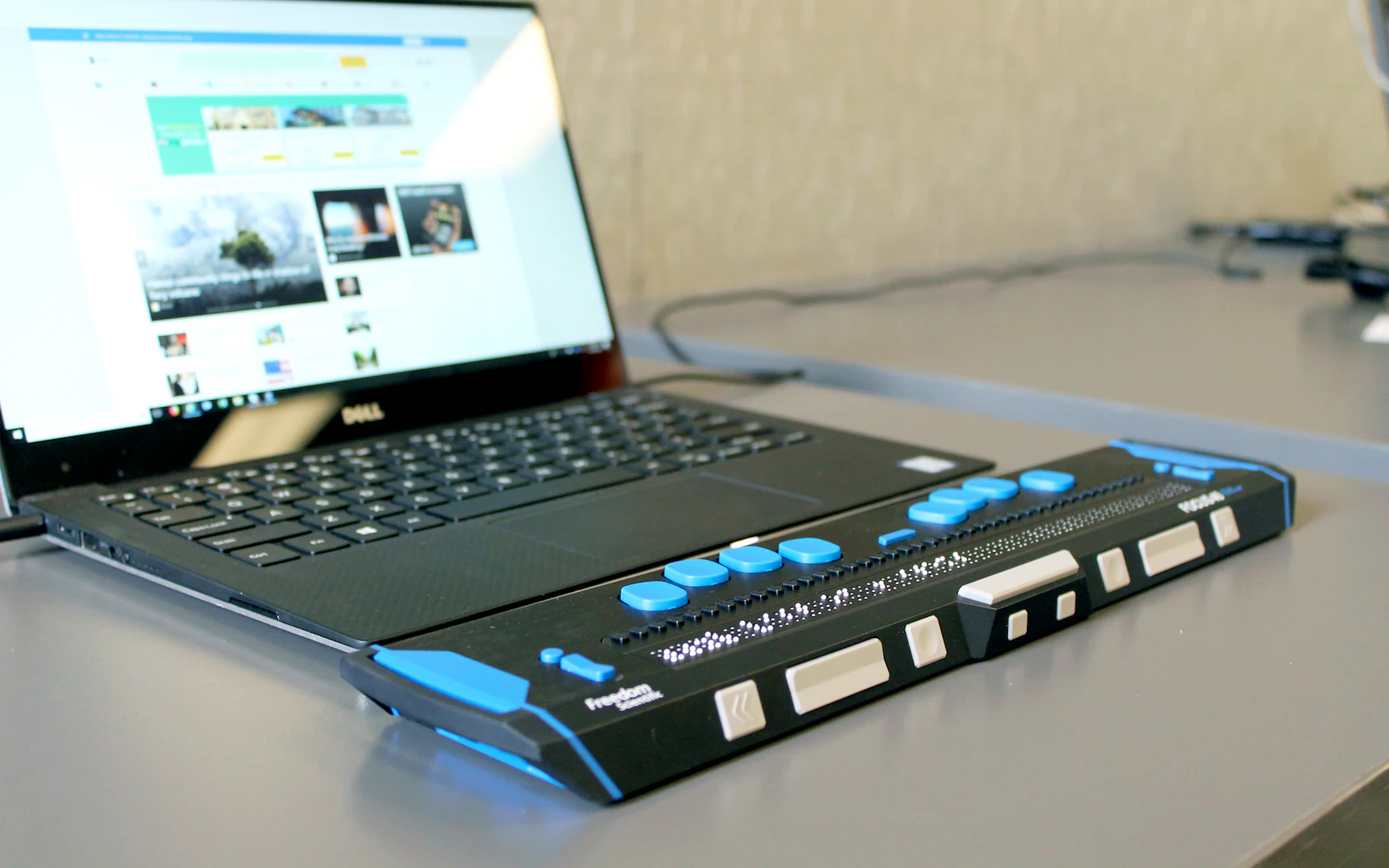
Accessible icons, made simple
A friendly guide to accessible icons: text labels, names for icon-only buttons, decorative icons, 3:1 contrast, tap target sizes and not relying on colour alone.
with icons vs Phosphor
with icons vs Phosphor, explained simply: six weights vs 20 styles, about 1,500 vs 500 icons, real icons side by side, pros and cons, and which to pick.

Add icons to your website
Add free icons to WordPress, Wix, Squarespace, Webflow, Framer, Shopify or HTML: which file to upload, SVG support per platform, and quick fixes.
What size should icons be?
A simple guide to icon sizes: 16, 20, 24, 32 and 48 px, matching icons to text, tap targets (WCAG, Apple, Android), and what size PNG to use for slides and print.
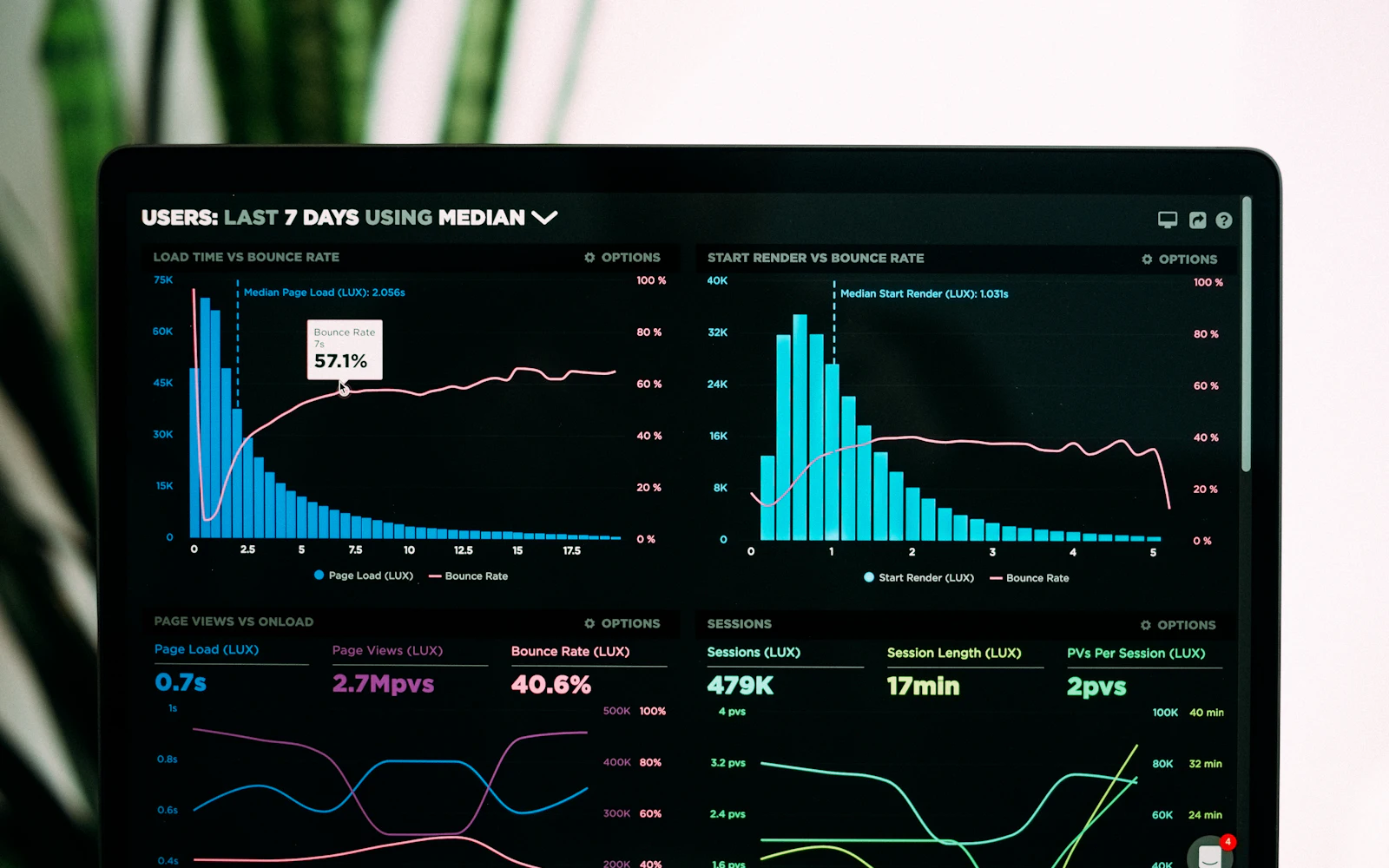
with icons vs Tabler Icons
with icons vs Tabler Icons in plain English: 6,200+ outline and filled icons vs 500 icons in 20 styles, real icons side by side, pros and cons, and which to pick.
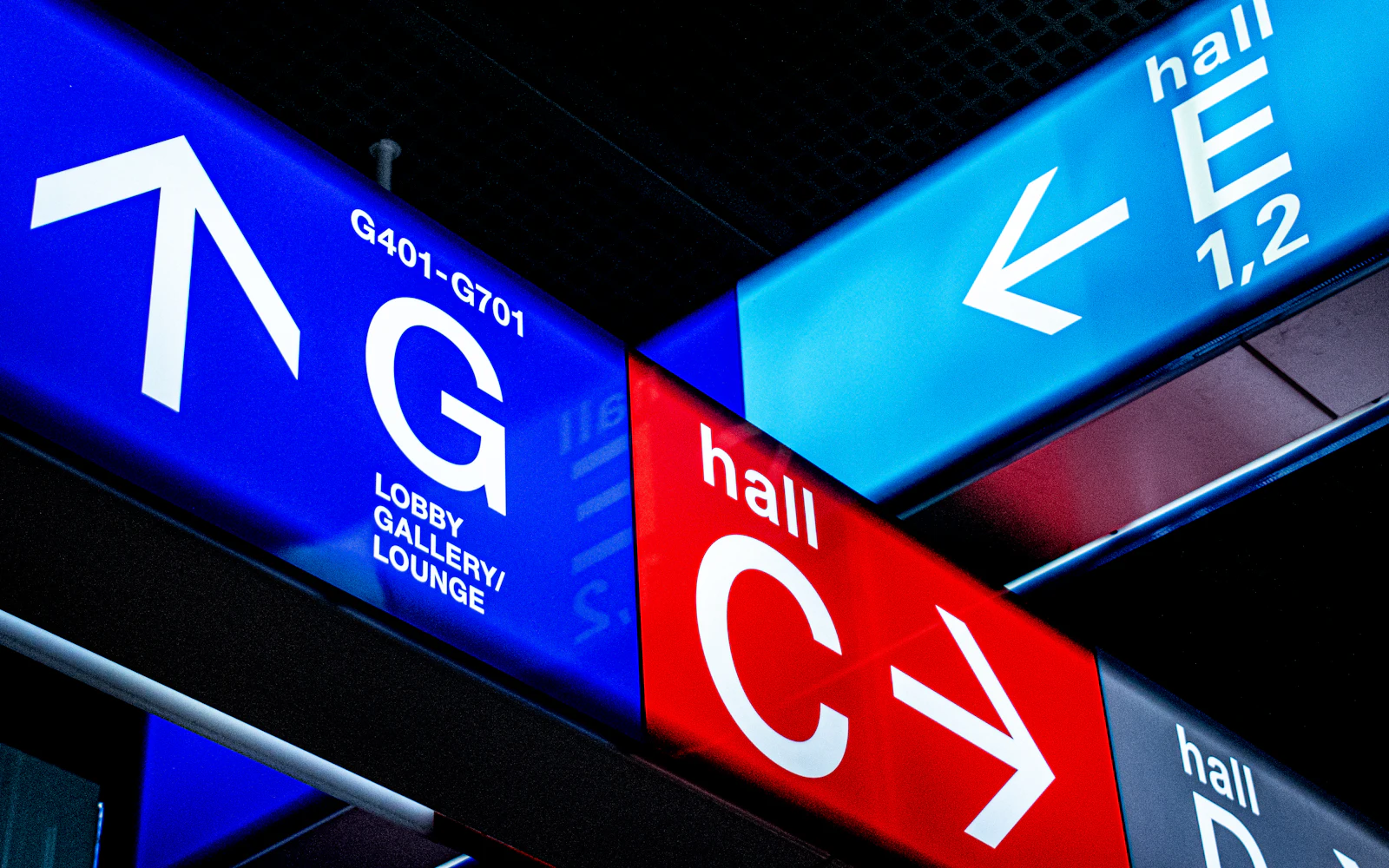
Why mixing icon sets looks cheap
Mixed icon sets make a site or deck feel cheap. Learn what makes icons consistent, run a 10-minute audit, and replace mismatched icons in an afternoon.

How to pick the right icon
Choose icons people understand: common mix-ups (save, settings, share, favourites, menu), when to add a text label, cultural traps, and a 5-person test.

with icons vs Flaticon
with icons vs Flaticon for non-designers: honest pros and cons, what Flaticon attribution means in slides and Canva, Premium pricing, and no-credit options.

Icon design trends for 2026
The icon design trends shaping 2026: frosted glass, tactile 3D and skeuomorphism, pixel and retro nostalgia, kawaii cuteness, Bauhaus geometry and more.