an honest comparison
Free 3D icons: where to get them, and which kind to choose
Rendered PNG packs, marketplace downloads or 3D-look vector icons? Here is what each kind is good at, where to find free ones, and what the licences ask of you.
- There are three kinds of 3D icon: rendered PNG packs made in 3D software, marketplace downloads from many artists, and vector icons drawn to look 3D (SVG).
- Best free renders with no credit: 3dicons (CC0, made in Blender) and Microsoft’s Fluent Emoji, whose 3D versions are MIT-licensed PNGs. Most choice: IconScout (901K+ 3D assets), but free ones need a credit.
- PNG renders look the most real but are heavy (a 3dicons master is 2,400 px and about 2 MB) and cannot be recoloured without the 3D source file.
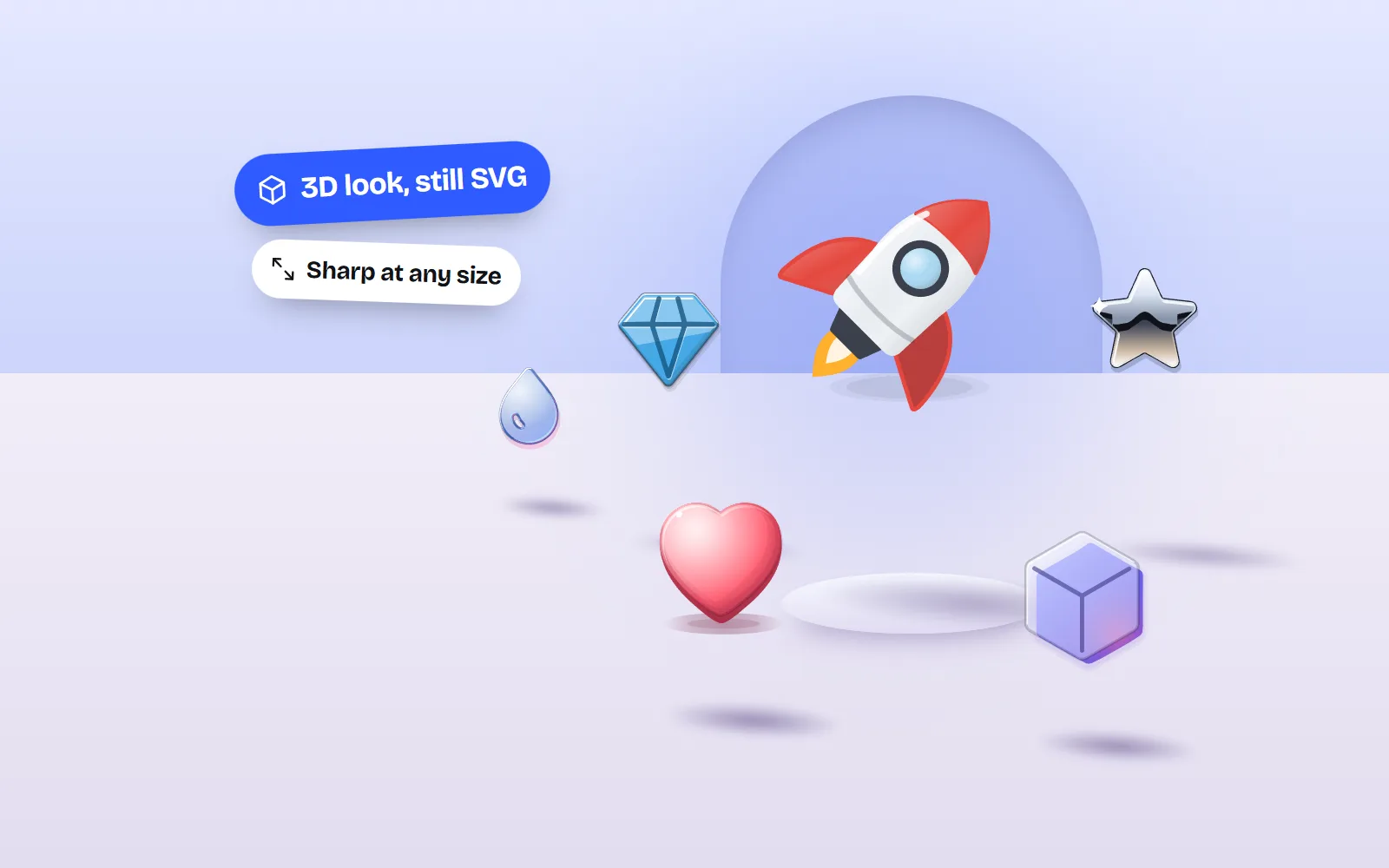
- Vector 3D styles stay sharp at any size, weigh a few kilobytes and recolour with palettes. with icons has 1000 icons in soft 3D, clay, gloss, glass, liquid, chrome, skeuo and luxe, MIT, no credit.
- Use 3D at 48 px and up: slides, landing page heroes, onboarding and empty states. Keep flat icons for buttons, menus and anything at 16 to 24 px.
On this page 8 sections
You can get free 3D icons from three kinds of place: rendered PNG packs made in 3D software (like 3dicons), big marketplaces (IconScout, Icons8, Flaticon, Freepik) and vector icon sets drawn to look 3D (like the soft 3D and clay styles in with icons). Renders look the most real, marketplaces have the most choice, and vector styles are the lightest and easiest to recolour.
This guide explains the three kinds in plain words, compares the best free sources in one table, and shows where 3D icons work and where they do not. If you are still choosing between 3D and flat, read 3D icons vs flat icons first.
What are the three kinds of 3D icon?
1. Rendered PNG packs
An artist builds each icon as a real 3D model in software like Blender, lights it, and “renders” it into a picture: a PNG file with a see-through background. The result can look like a real toy or object on a desk. The best free example is 3dicons by Vijay Verma, made in Blender and released under CC0, which means you can use it for anything with no credit at all. Microsoft’s Fluent Emoji are another gem: an MIT-licensed emoji set on GitHub with a 3D version of each emoji as a 256 px PNG.
2. Marketplace downloads
Marketplaces gather 3D icons from many artists. You get huge choice, often with the 3D source files too, but free downloads usually come with a credit or link requirement, and icons from different artists rarely match. IconScout lists 901K+ 3D assets in PNG, Blender, OBJ, Cinema 4D and glTF formats. Icons8 has a 3D Fluency set of 2,200 icons. Flaticon and Freepik (which now calls itself Magnific) carry 3D-look icons and 3D models too.
3. Vector 3D-look icons
The third kind is not rendered at all. Each icon is a stack of flat vector shapes and gradients, drawn so it reads as 3D: a highlight here, a shadow there, a soft rounded edge. Because it is an SVG (a picture made of shapes), it stays sharp at any size, weighs a few kilobytes and can change colour. This is how the with icons depth styles work: soft 3D, clay, gloss, glass, liquid, chrome, skeuo and luxe.
Where can you get free 3D icons?
| Source | Kind | Free licence | Credit? | Formats and sizes | Recolour? |
|---|---|---|---|---|---|
| 3dicons | Rendered pack (Blender) | CC0 | No | PNG renders, 2,400 px masters, in a few angles and finishes | Pick a finish |
| Fluent Emoji (Microsoft) | Rendered emoji | MIT | No | 3D PNG at 256 px (plus flat SVG versions) | |
| IconScout | Marketplace | Free licence, commercial use | Yes | PNG, Blender and glTF on free assets | Many, in its glTF editor |
| Icons8 3D Fluency | Rendered set | Icons8 free licence | Link to icons8.com | PNG up to 100 px on the free plan | |
| Flaticon | Marketplace (many artists) | Flaticon licence | Credit the author | PNG free; SVG with Premium | Premium SVG only |
| Freepik (Magnific) | Marketplace | Freepik free licence | Yes | Images and 3D models (glTF, OBJ, FBX) | With the source |
| with icons | Vector 3D-look styles | MIT | No | SVG and transparent PNG, any size | Palettes and CSS variables |
Best pick per job: for a realistic hero image at no cost and no credit, 3dicons. For emoji-style faces, food and objects, Fluent Emoji. For a rare subject, IconScout, and accept the credit (or pay). For a matching set you can recolour and use in code, slides and docs, a vector style like soft 3D or clay. If credit lines are new to you, our guide to using free icons commercially explains them.
3D icons PNG or SVG: which should you download?
A PNG render has the most realistic light, but it is a fixed grid of pixels. Make it bigger than it was rendered and it blurs. Change your brand colour and you need a new render. And it is heavy: the 3dicons masters on Wikimedia Commons are 2,400 px squares of about 2 MB each, so you will want to shrink them before they go on a web page.
A vector 3D-look icon is the opposite. It is sharp at 24 px and at 2,400 px, and the with icons depth styles weigh roughly 1.5 to 10 KB each before compression. You can also export any of them as a PNG for slides. Our SVG vs PNG guide goes deeper.
- 2,400 px
- a 3dicons PNG master
- ~2 MB
- that one PNG file
- 1.5 to 10 KB
- a with icons 3D-look SVG
- Any size
- the SVG stays sharp
Where do 3D icons work best?
3D icons are made to be looked at, not clicked. They shine wherever an icon is big and has a moment to itself:
- Slides and pitch decks. One 3D icon per idea, at 96 px or more, makes a slide feel finished. Our icons in presentations post and PowerPoint guide show how.
- Landing page heroes and feature grids. Three to six 3D icons over a short line of text each. More in icons on landing pages.
- Onboarding and empty states. A friendly 3D object says “nothing here yet” more warmly than a grey outline.
- App store screens, social posts and launch graphics. Places where people scroll fast and a bit of depth stops the thumb.
Where do 3D icons not work?
The same detail that looks rich at 64 px turns into mush at 16 px. Highlights, shadows and soft edges need room. Look at what happens as these icons shrink:
Put 3D icons in a tab bar or a dense settings list. They fight the text, blur at small sizes and make the screen feel busy.
Mixing kinds is another trap. A Blender render next to a vector clay icon next to an emoji will look like three different products. Pick one source for each page.
How do you get free 3D icons from with icons?
- 1Pick a 3D look
Start on the free soft 3D icons page, the free clay icons page, or the premium layered free 3D icons page.
- 2Find your icon
Search all 1000 icons with everyday words: “bin” finds trash, “gear” finds settings.
- 3Choose a palette
Each icon has 20 to 30 hand-picked palettes that recolour every layer and gradient. Match your brand in one click.
- 4Download or copy
Transparent PNG for slides and docs, SVG for Figma, Canva and websites, or Copy image to paste straight in.
What are the downsides of vector 3D icons?
Honesty time. Vector 3D-look icons are not real 3D models, so you cannot spin them in Blender, light them differently or drop them into a 3D scene. A skilled render still looks more physical. And with 1000 icons, our set is far smaller than the hundreds of thousands of 3D assets on IconScout. There are no brand logos either. What you get in return: 34,000 SVGs that match, recolour, stay sharp and need no credit.
Frequently asked questions
Where can I get free 3D icons?
For free renders with no credit, try 3dicons (CC0) and Microsoft’s Fluent Emoji on GitHub (MIT). For the most choice, IconScout, Icons8 and Flaticon have large free collections that ask for a credit or link. For 3D-look icons as SVG and PNG with no credit, with icons has 1000 icons in eight 3D-look styles.
Are free 3D icons free for commercial use?
Usually yes, but the conditions differ. 3dicons (CC0), Fluent Emoji (MIT) and with icons (MIT) need no credit. IconScout and Freepik (now called Magnific) ask for attribution on free assets, Flaticon asks you to credit the author, and Icons8 asks for a link to icons8.com. Paid plans remove those requirements.
Can I get 3D icons as SVG?
True 3D renders are pictures (PNG), not vectors, so they do not come as real SVGs. Vector 3D-look icons, like the soft 3D, clay and glass styles in with icons, are drawn with shapes and gradients, so they are real SVGs that stay sharp at any size and can be recoloured.
What size should 3D icons be?
Use them at about 48 px or larger, where highlights and shadows can be seen. At 16 to 24 px, in buttons and menus, the detail turns to blur, so use flat line or solid icons there.
Can I change the colours of a 3D icon?
With a PNG render, only if you have the 3D source (a Blender or glTF file) and re-render it, or use an editor like IconScout’s. Vector 3D styles are easier: in with icons you pick a palette and every layer and gradient follows, and on a website each colour is a CSS variable.
Sources and notes
- 3dicons homepage (licence, count)
- 3dicons: About (made in Blender, CC0)
- Wikimedia Commons: 3dicons.co 3D icons (file sizes)
- microsoft/fluentui-emoji (MIT licence)
- IconScout: free 3D icons (formats, attribution)
- IconScout pricing (3D asset count, formats)
- Icons8: 3D Fluency icons
- Icons8 licence
- Flaticon: 3D icons
- Flaticon pricing
- Freepik (now Magnific): free 3D models and licence notes
- with icons license (MIT)
Facts about other icon sets were checked against their official sites in November 2026. Libraries change, so check the links above for the latest numbers.